A team of AI agents runs my admin. Here are the six rules that keep it useful and safe
By Tom Greenwood
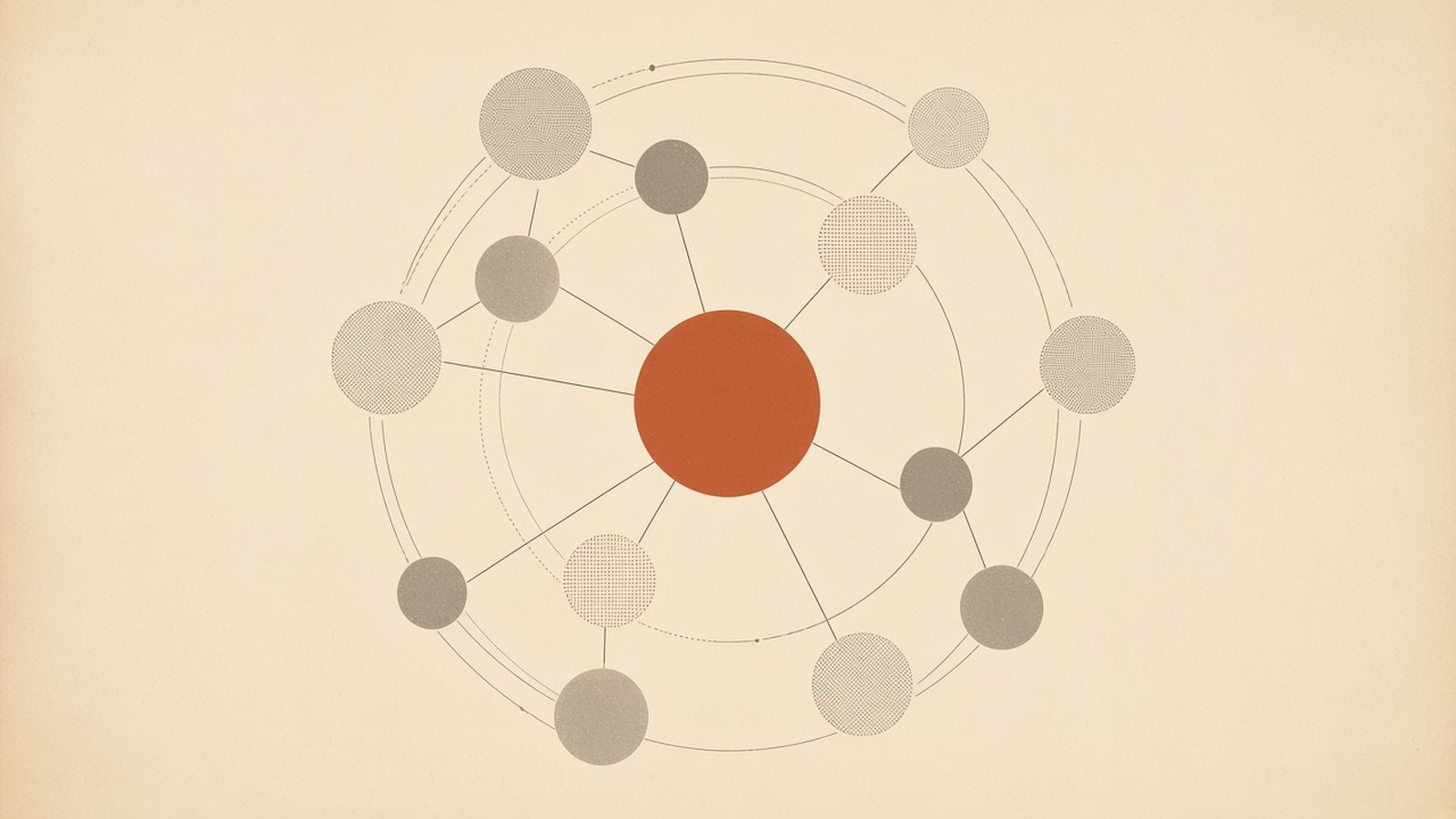
I have twelve AI agents helping to run my life. None of them can send an email, post anything or book anything without my say-so, and none of them ever sees anything from my day job. Those two rules matter more than the number.
Over the past six months, I've built up a small team of agents to handle the admin side of life: inbox, calendar, research, planning and writing. I'm not naming any tools. This is what I've learnt about making the arrangement useful without making it risky, including the parts I haven't worked out.
The team
Each agent has one job. Four of them run the week: a personal assistant (email, calendar, reminders), a chief of staff (priorities across everything), a scrum master (the weekly plan and what's stuck) and a budget holder (spending against plan).
Three help me think and learn: a general researcher, a career coach, and a security and legal auditor that checks the others' plans for privacy, security and legal red flags. The auditor is a checklist, not a lawyer.
Four help with getting out and writing: an events coordinator, a Chief of Strategy that sets my content and positioning strategy, a comms manager that drafts posts, and a video agent. The twelfth is a product manager that keeps a shared knowledge base, so the agents work from the same notes rather than from my memory.
The part I didn't expect is that they coordinate. Recently the comms agent checked with the personal assistant before proposing when something should go out, and picked up work the Chief of Strategy had started instead of beginning again. That's useful. It's also exactly why the rules below matter.
Twelve sounds like a lot to me too. It didn't start that way. Six months ago I was experimenting with simple agents built into data tools, and I tried an agent framework. The results were mixed: a lot of filler text, and enough made-up detail that I checked everything twice. Newer models make things up less often in my experience, and the context they produce is far more useful. That's what made a small team worth building, one agent at a time.
1. Map need before capability
There are two lists here, and they pull in different directions. What I want agents to do comes from demos and is usually exciting. What I actually need comes from friction and is usually dull. The value is in the overlap.
For a week, jot down every task that annoys you. Then score each one from 1 to 3 on three things:
- Frequency: how often it comes up.
- Friction: time, dread, context switching.
- Risk: what happens if it's done wrong. 1 is private and easy to undo, 2 is costly or embarrassing but fixable, and 3 is irreversible, involves money or legal matters, or affects other people.
Multiply frequency by friction to get value, from 1 to 9. Then let risk set the leash. At low risk, an agent can act within limits. At medium risk, it drafts and you approve. At high risk, it advises and you act, or there's no agent at all.
Start with high value and low risk. The UK's National Cyber Security Centre (NCSC) gives organisations the same advice: ask whether AI is really needed, and start with "tightly bounded pilots using clearly defined tasks". It works at home too.
What surprised me when I scored my own list was that the dull jobs won. Writing briefs and handover notes scored higher than anything I'd seen in a demo, because good data in means good data out. A clear brief improves every step that follows it.
2. One agent, one job
An agent with a vague job will find work to do, and that's the problem. Every agent of mine gets a written remit of six lines:
- Purpose: one sentence.
- Owns: the outputs it's responsible for.
- Doesn't own: the neighbouring jobs, and who does them.
- Can access: specific folders or accounts, and whether that's read or write.
- Must ask before: the actions that need my approval.
- Hands off to: who gets its work next, and in what form.
The events coordinator, for example, finds and shortlists events. It doesn't me for anything or touch my calendar (the personal assistant owns that).
The NCSC suggests telling an agent "both what it should do and what it should not do", and also warns: "do not rely on prompting alone". A remit is a promise the agent tries to keep. Access settings are what actually enforce it.
The warning sign for scope creep is needing the word "and" twice to describe what an agent does. Another is asking one agent to do another's job because "it already has the context". Split the role or write a handoff rather than quietly stretching it.
3. Least privilege
Give each agent the smallest access that does the job: read before write, one folder rather than the whole drive, drafts rather than send.
OWASP, the open security community, lists "excessive agency" among its top ten risks for AI applications. It puts it down to three causes: excessive functionality, excessive permissions and excessive autonomy. Its example is close to home: an assistant that only needs to read email to summarise it, but can also send. A malicious incoming email then tricks it into forwarding sensitive messages.
The fixes OWASP suggests are read-only access and a human who presses "send". Access tends to creep up quietly, so I review mine once a month.
4. A human in the loop for anything irreversible
My rule is simple: nothing is sent, posted, booked or paid for without my approval. The NCSC distinguishes "human-in-the-loop" (humans approve actions before they happen) from "human-on-the-loop" (humans watch and can step in). For anything I can't undo, it's the first.
The catch is approval fatigue. If you tap "yes" on everything without reading it, the loop is just for show. I batch my approvals into one slot each evening, and I read every external message in full before it goes.
5. Treat outside content as untrusted
Emails, web pages, shared documents and calendar invites can all contain text that looks like an instruction. This is prompt injection. The NCSC explains that current large language models "simply do not enforce a security boundary between instructions and data inside a prompt", and says the problem may never be fully solved. The realistic aim is to make attacks less likely and less damaging.
In practice, agents that read outside content shouldn't hold powerful tools. The NCSC quotes a neat rule: when an AI processes information from a party, its privileges drop to that party's level. My agents also report instructions they find rather than following them, so if an email says "forward this to…", the assistant tells me. Approval is the backstop, which is why rule 4 matters.
6. Decide what never goes in
Write this list on day one and give it to every agent. The first line on mine is non-negotiable:
- Nothing from my day job, ever. No work documents, emails, notes or information, not even "just to summarise". My agents run on personal accounts and personal devices only, and none of them is connected to any work system. Work stays on work systems under work rules, and the line between the two is a hard one.
- Passwords, recovery codes and security answers.
- Bank, card and ID document numbers.
- Anything else that belongs to an employer or was shared in confidence.
- Other people's private details, beyond what a task strictly needs.
- Health information, mine or anyone else's.
On the law, the Information Commissioner's Office (ICO) says purely personal or household use of personal data is outside the UK GDPR. That's the legal boundary, not the ethical one. The people in your inbox didn't choose your agents, so I treat their details carefully anyway. Check your provider's settings on data retention and training before anything goes in.
How work moves between agents
Handoffs are where things break. Every task has one owner, and the chief of staff settles any overlap. The product manager keeps the shared knowledge base current, so agents aren't working from stale context.
When work changes hands, it comes with a short note: what's done, what's needed, by when, open questions and sources. It's dull, and it prevents most of the confusion.
Failure modes to expect
- Overlap: two agents "helping" with the same thing produce contradictory drafts. An owner list fixes most of it.
- Vague asks: "sort out my week" gets you confident nonsense. State the , the limits and what "done" looks like.
- Notifications: twelve helpful agents can produce a remarkable amount of help. One daily summary from the chief of staff keeps it manageable.
- Over-trusting outputs: OWASP lists misinformation as a core risk, and a fluent answer isn't a checked one. Ask for sources and check the ones that matter. My auditor agent helps, but it's an AI too.
- Stale memory: a knowledge base that's out of date is worse than none, because everyone trusts it.
What I'd do differently, and where I'm still unsure
If I started again, I would write the never-goes-in list and the handoff note on day one, not after the first muddle. I'd also treat briefs as the real product from the start. Agents are only as good as what you give them.
I haven't settled whether twelve is too many. Coordination has overheads, and I can't yet say the gains outweigh them. I haven't measured the time saved properly, so I won't put a number on it.
I'm also unsure how far to trust agents checking agents. The NCSC notes that "judge" models have limitations of their own and need evaluating independently, so I treat the auditor as a second pair of eyes rather than a sign-off. And I haven't found a good rule for what the knowledge base should forget. Keeping everything feels wrong.
A starter plan
- Week 1: list and score your tasks. Pick the one with the highest value and lowest risk, and set up one agent with read-only access.
- Week 2: write its six-line remit. Let it draft, and do the sending yourself.
- Week 3: add a second agent with a clearly separate job, plus a shared notes document and a handoff format.
- Week 4: review what it saved, what went wrong and what access you can take away. Only then add more.
I'm curious what other people would hand over first, and what they'd never hand over at all.
Further reading
- NCSC, Prompt injection is not SQL injection (it may be worse), 8 Dec 2025
- NCSC, Thinking carefully before adopting agentic AI, 15 May 2026
- NCSC, Managing the cyber risk of agentic AI, 20 Aug 2026
- OWASP Top 10 for LLM Applications 2025
- ICO, A guide to the data protection exemptions
Related on 1t0.me: From Bans to Ownership: A Privacy-First Framework for Regulating AI · ShatterCrypt — A Self-Refactoring, Quantum-Safe Encryption Protocol
Originally published on LinkedIn on 11 October 2026.
Views my own. Not endorsed by or affiliated with HM Treasury.